You can port Java Edition mods between Minecraft versions automatically. This is a beta feature.
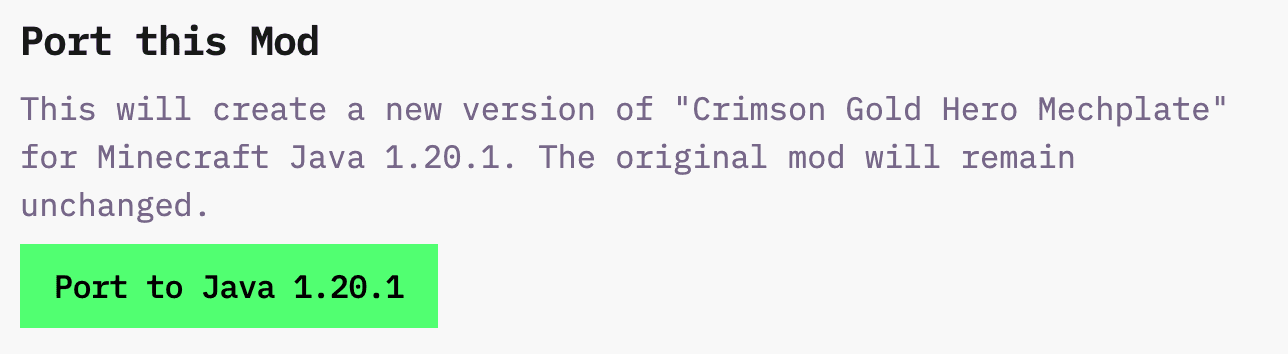
Port Mods between versions
We support Java Edition 1.20.1 ↔ 1.21.5 with automatic conversion. The porting process preserves functionality.
Java ↔ Bedrock conversion is not supported.
You need to go to your mod's detail page. Then you should click the "Port to [version]" button. You'll need to wait 2-5 minutes. The ported version appears as a new mod.
The porting process transfers item properties and stats, mob behaviors and appearances, textures and models, special abilities and effects, and crafting recipes.
Ported mods may fail or need adjustment. Version-specific features may not work in older versions. Complex features may need manual tweaking. Some effects behave differently between versions.
If porting doesn't work, you have options. You can copy the original prompt, create a new mod in the target version, select the target version, adjust for version differences, and generate from scratch.
See also: Mod Edits, Items, Mobs, Discord, help@creativemode.net.

