You can create custom buildings, dungeons, and landmarks at Create Structures.
This is a beta feature that is currently in development.
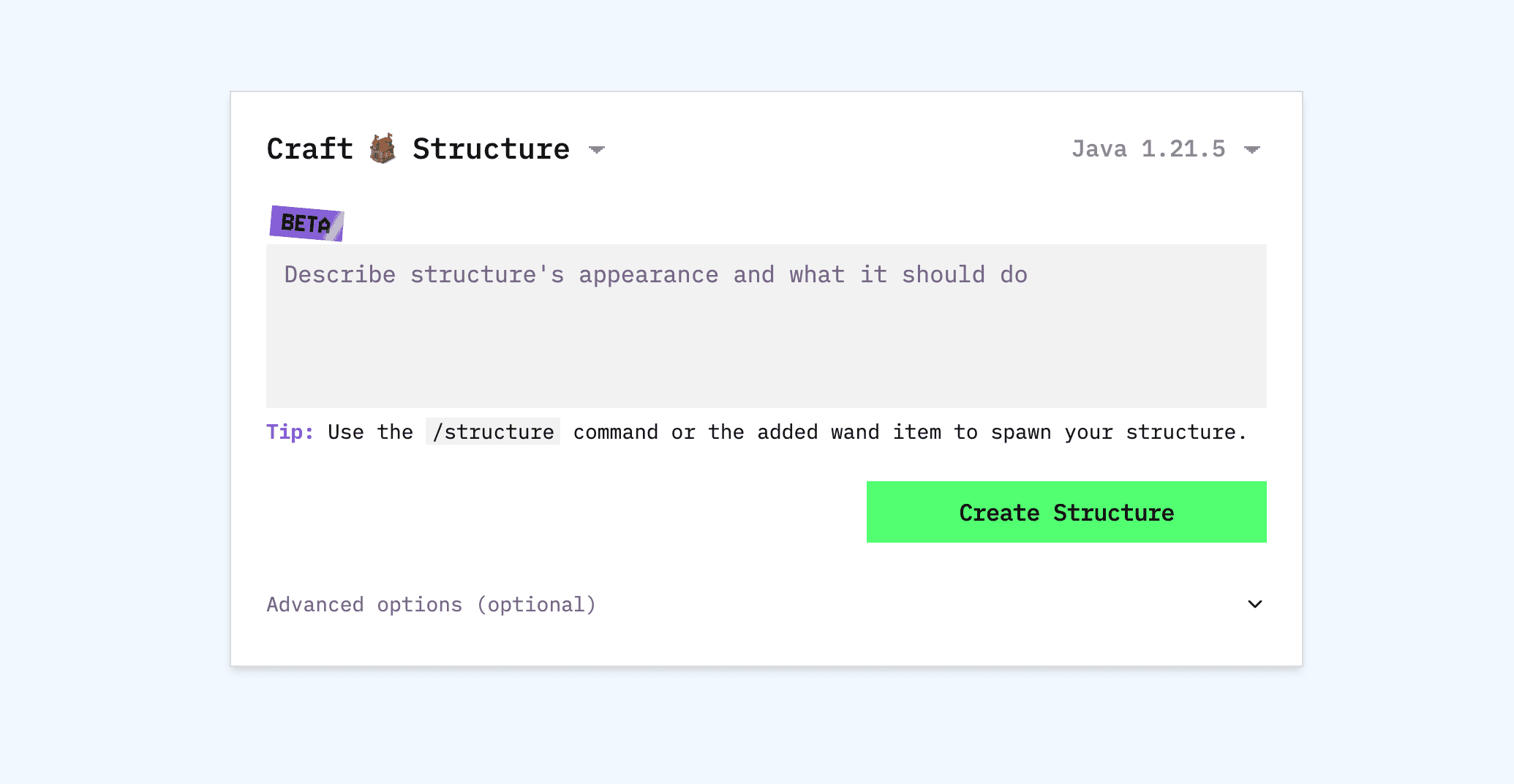
Create Structures
Visit Create Structures and describe your structure. You can also upload reference images if you want. Then generate (this takes 2-5 minutes). You can place the structure using the /structure command or an included wand item.
You can use the /structure command or the included wand item to place where you're looking.
You should include overall design, components, materials, and scale.
Example: "Medieval castle with four corner towers, thick stone walls, wooden gates, throne room with red carpet, armory, dungeons below, battlements on top."
You should specify the type (castle, house, temple, tower), size and dimensions, architectural style and color scheme.
To get structures to naturally spawn in the world, use an edit with this request.
Houses: "Cozy wooden cottage with thatched roof, stone fireplace, two bedrooms, kitchen, small garden."
Castles: "Grand medieval castle with high walls, corner towers, gatehouse, courtyard, throne room, dungeon."
Dungeons: "Three-level dungeon with maze corridors, trap rooms, prison cells, boss chamber with loot."
Towers: "Wizard's tower 40 blocks tall with spiral staircase, library, potion lab, observation deck."
Cave systems: "Cave network with multiple chambers, underground lake, glowing crystals, ore deposits."
The structure generation currently does not make interior details.

