You can create placable objects with custom three-dimensional models on the Item Creation page.
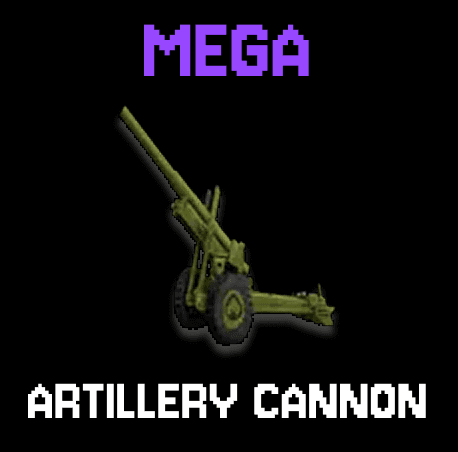
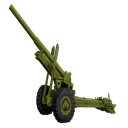
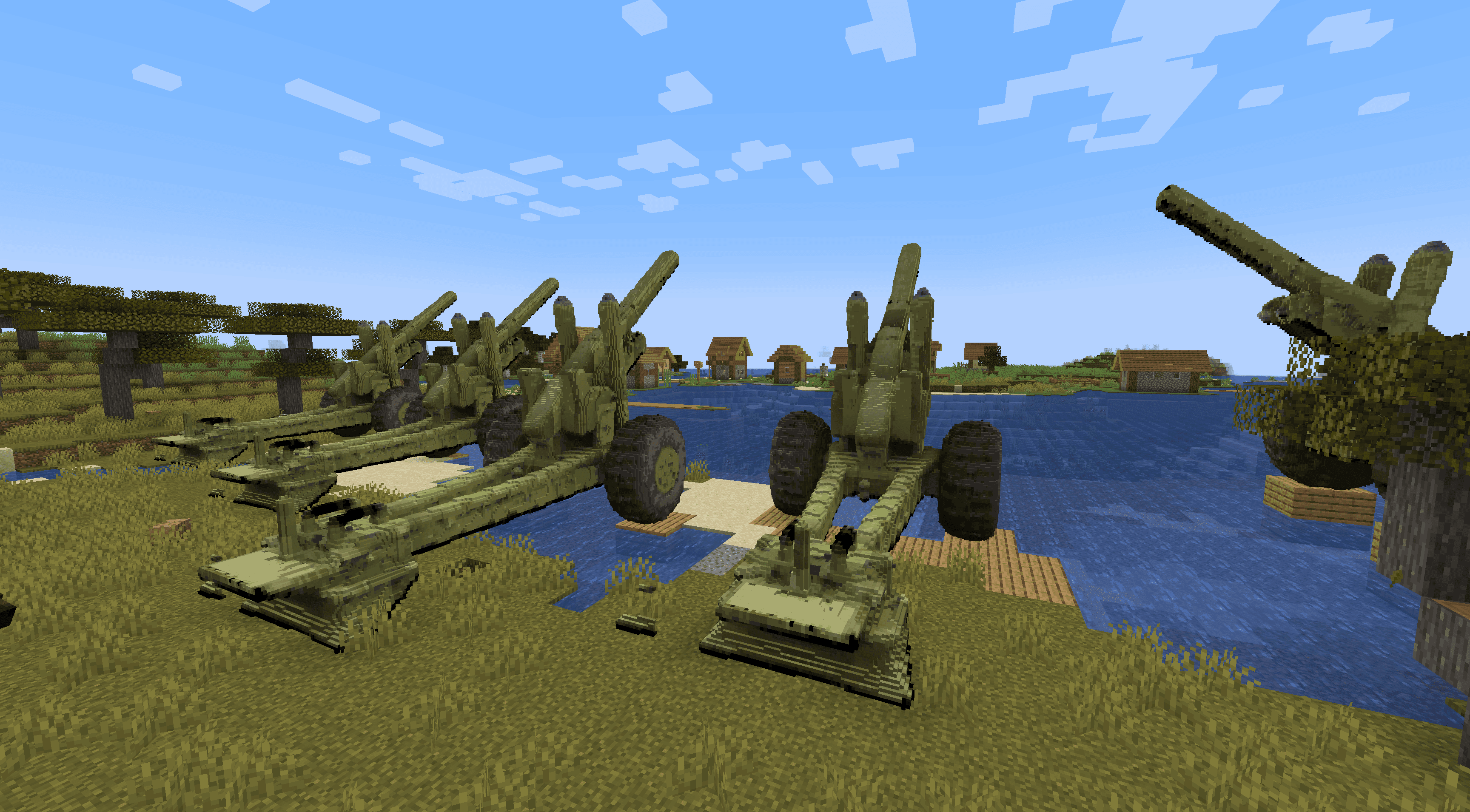
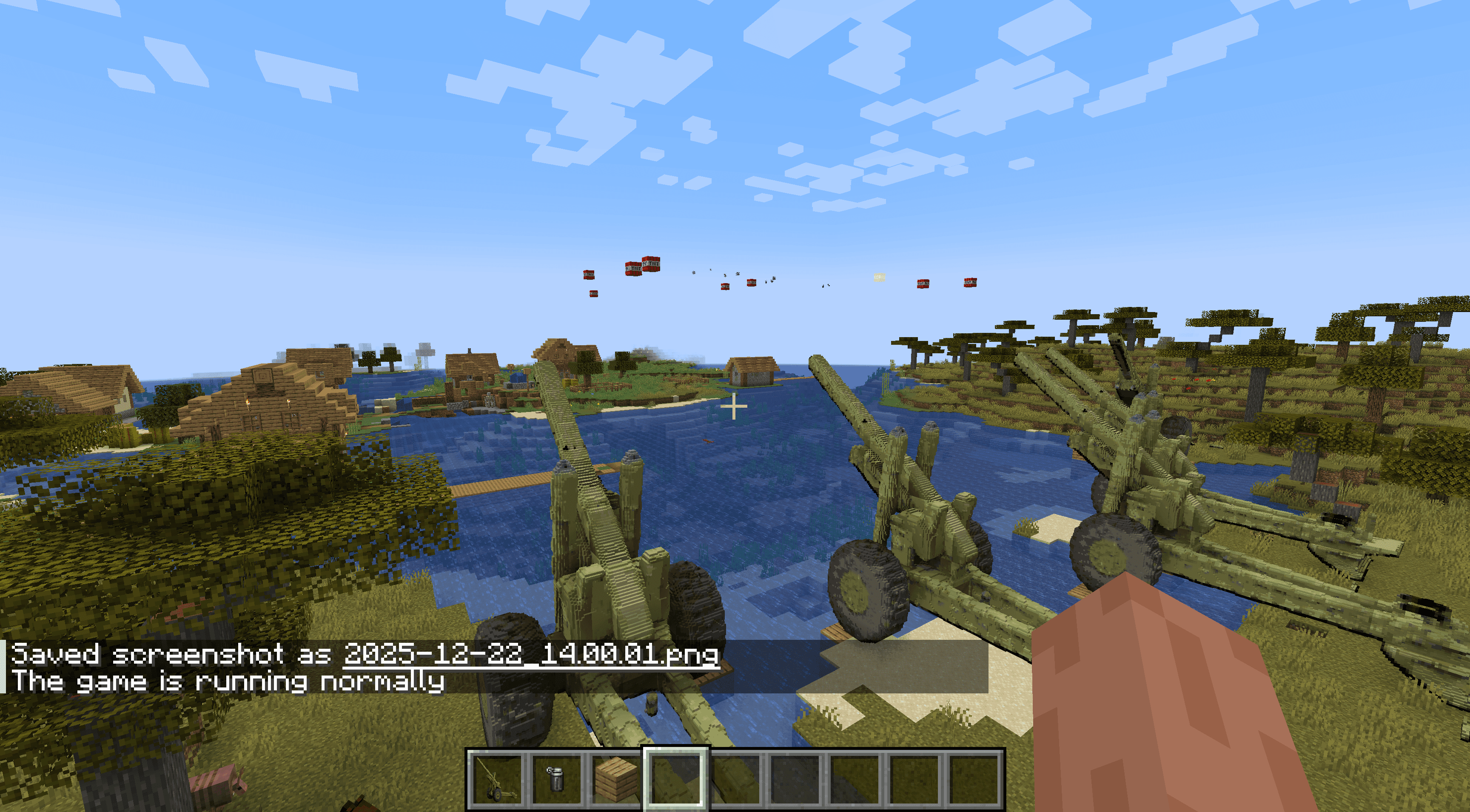
Place the Artillery Gun as a 16x16x16 multiblock by right‑clicking (it needs clear space and breaking any part of the structure destroys it and returns the single gun item), and throw a Smoke Grenade (right‑click to throw) to call in an artillery strike: each Artillery Gun within 100 blocks fires three staggered TNT shells from a visible muzzle point that travel in a smooth ballistic arc with up to 10 blocks of spread. This update improves long‑range reliability by compensating muzzle velocity for distant targets, fixes ballistic timing so rounds reach their aim point, makes the TNT fuse dynamic (with a small safety buffer) so shells detonate shortly after landing, and adds a launch sound at the gun.
These are items with custom geometry beyond standard cubes. They can be placed in the world and have unique features when you interact with them. You can create things like an artillery cannon that fires TNT or an oil refinery that slowly collects coal from the world.
You can upload reference images to get accurate Minecraft-versions of anything you want to bring into the game - even your own house from real life!
Visit Create Items and select your edition. Describe the object you want and include it's dimensions (1 block up to 16 blocks). You can upload reference images if you want. Then generate (this takes 2-5 minutes).
It works best if you specifically request a "custom 3D object" in the prompt.
Animations are not supported yet.
Custom 3D objects are not supported in Bedrock yet, but we are working on it.
See also: Items, Blocks, Mod Edits, Discord, help@creativemode.net.

