

Ever stare at a flat patch of land in Minecraft and think "I want a castle here, but I really don't feel like spending the next three hours placing blocks"? Builder's Toolbox by jedirule8 might be exactly what you need. This Bedrock Edition mod adds a simple item that opens up a menu of preset structures you can spawn instantly, complete with biome-appropriate materials.
You can grab Builder's Toolbox here: https://creativemode.net/mod/builders-toolbox-3gxw4o6e
What It Does
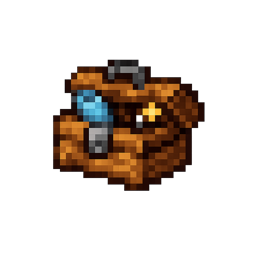
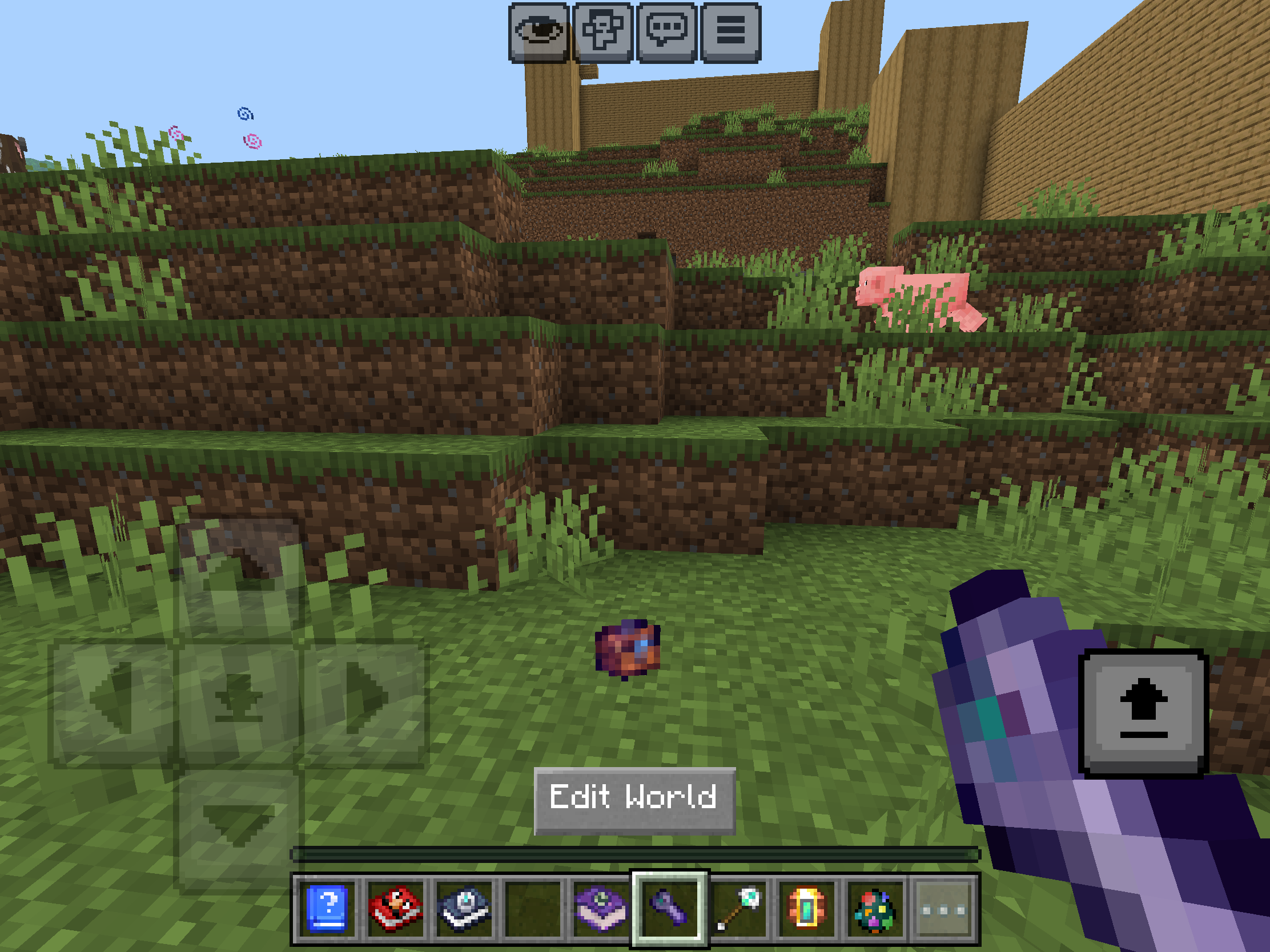
The core concept is straightforward: you get a toolbox item that, when opened, presents you with an in-game UI for selecting structures. Pick what you want to build, choose a biome style, confirm, and the toolbox handles the construction for you. The entire system runs within Minecraft itself, no external tools or complicated setup required.
Available Structures
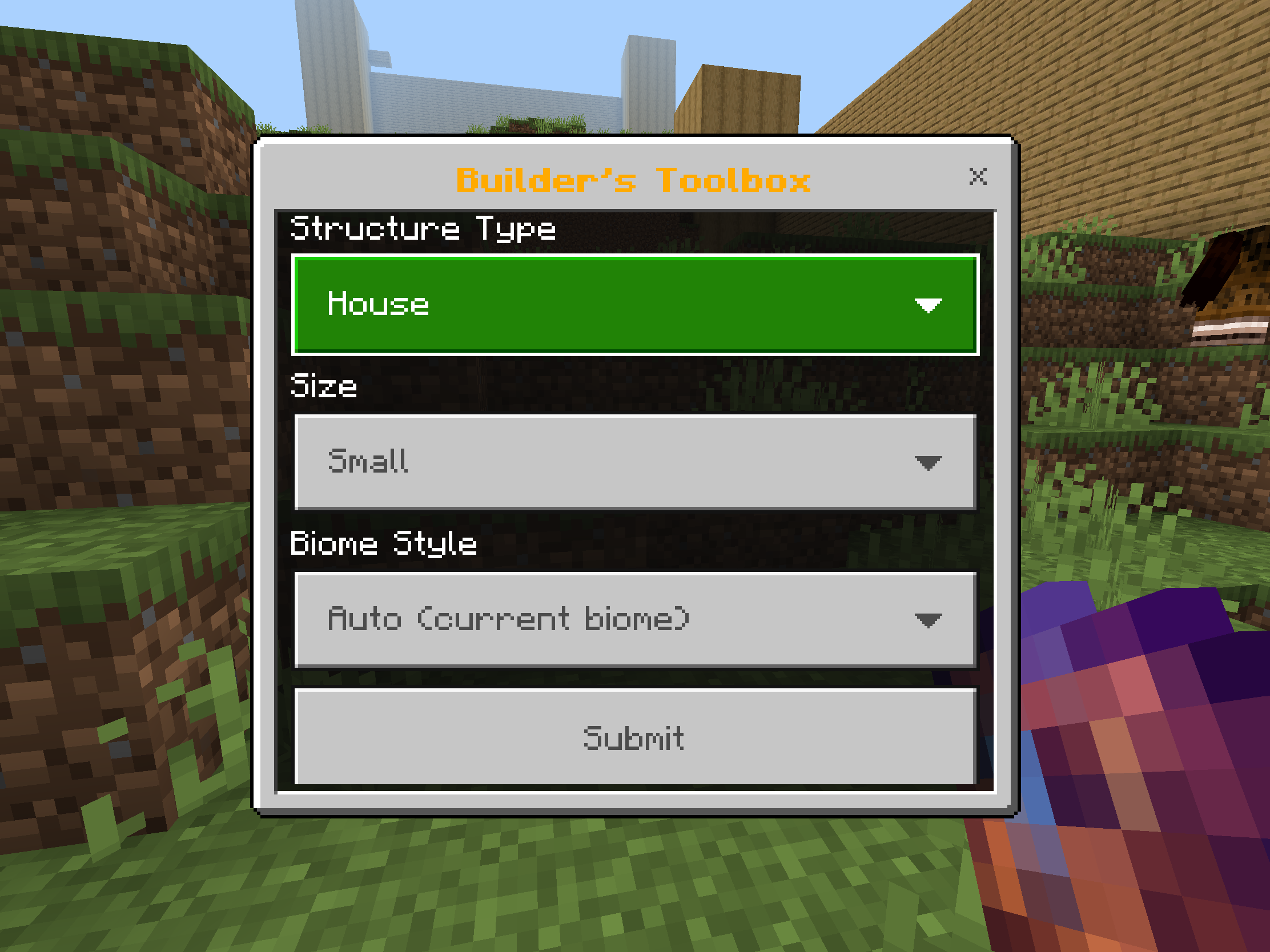
The mod comes with six structure categories: Secret Base, Trap, Town, Castle, Island, and City + Castle. That last option is particularly interesting if you want something more ambitious than a single building. Each structure type adapts to your chosen biome style, which means a Desert castle will look quite different from a Snow castle.
The biome options are extensive: Auto, Plains, Desert, Snow, Jungle, Swamp, Ocean, Nether, and End. The Auto setting works well for detecting Nether and End dimensions, but for Overworld builds, you'll get better results by manually selecting the biome that matches your location.
Why Use This Mod
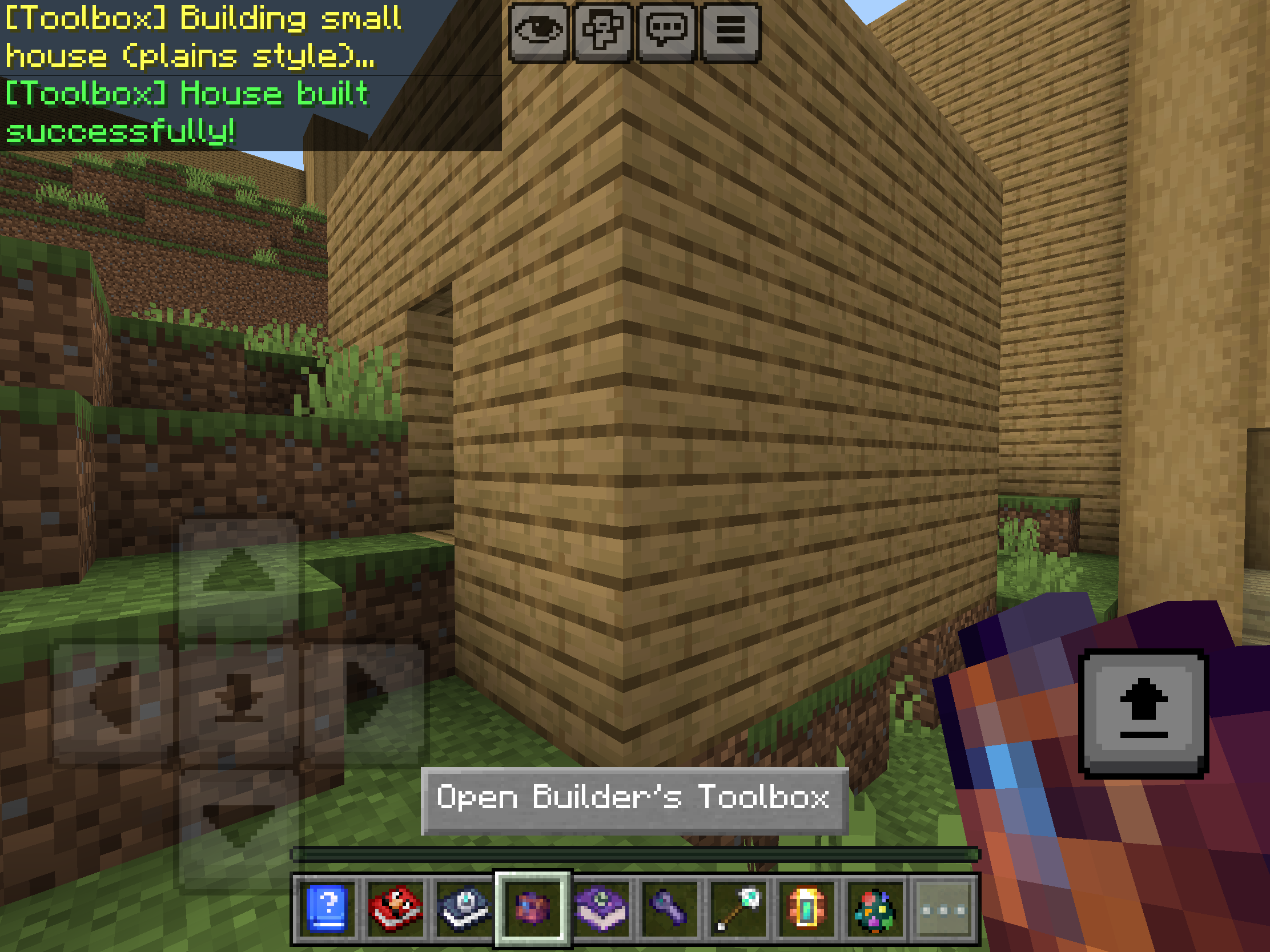
The obvious appeal is speed. Building a full castle or town from scratch is rewarding, but it's also time-consuming. Builder's Toolbox lets you skip the tedious parts while still getting usable structures. This is particularly handy if you're working on a survival world and need functional buildings quickly, or if you're setting up adventure maps and want consistent-looking settlements.
The biome adaptation feature adds a nice layer of customization. A Jungle town will use different blocks than a Swamp town, which helps structures feel integrated into their environment rather than copy-pasted. This attention to context makes the generated buildings feel less generic.
Secret bases and traps add some interesting gameplay possibilities beyond just aesthetic building. Setting up a hidden base or a clever trap normally requires careful planning and execution. Having presets available means you can focus on the fun parts (like luring your friends into traps) without the construction grind.
Getting Started
Since this is a Bedrock Edition mod, you'll need to be playing on a platform that supports Bedrock add-ons (Windows 10/11, Xbox, PlayStation, Switch, iOS, or Android). Once you've downloaded and installed the mod, you'll receive the toolbox item. From there, it's just a matter of opening it, browsing the structure options, selecting your preferred biome style, and confirming your choice.
The interface is designed to be intuitive, so you shouldn't need a tutorial to figure out the basics. Just remember to manually select your biome style when building in the Overworld for the most accurate material matching.
Worth Your Time?
Builder's Toolbox fills a specific niche: instant structures with biome-aware materials. If you enjoy the creative and planning aspects of Minecraft more than the repetitive block-placing, this mod removes a significant friction point. It's also useful for multiplayer servers where you need to populate a world quickly or want to give players starter bases without spending hours on construction.
The preset approach means you're working within defined options rather than having complete freedom, but that's part of the appeal. Sometimes constraints make projects easier to complete, and having a desert castle appear in minutes beats abandoning another half-finished build.
Ready to speed up your building projects? Download Builder's Toolbox here: https://creativemode.net/mod/builders-toolbox-3gxw4o6e
About CREATIVEMODE
CreativeMode allows players to create Minecraft mods without coding. You can create custom items, blocks, mobs, structures, and more. Join the 200,000+ players who are already using CreativeMode.
More Articles

New Feature: Recipe Editing
You can now directly edit recipes right from the CreativeMode website! This gives you full control of recipes without having to write up complicated edits
Feb 2, 2026

Top 10 Minecraft mods (February 2026)
Discover the top Minecraft mods for February 2026 that will elevate your gameplay experience. Dive in to find the perfect enhancements for your adventures!
Feb 2, 2026

Minecraft Bedrock Addons: How to Create Powerful Add-ons in 2026 (No Code)
Create Minecraft Bedrock addons in minutes with CreativeMode.net—AI-powered, no coding, full packs from text prompts for all Bedrock platforms.
Jan 30, 2026