
In 2026, the fastest way to make Minecraft Bedrock addons is through CreativeMode.net, where players generate complete behavior and resource packs from simple text prompts—no coding or JSON editing required.
Traditional tools like Bridge, Add-ons Maker, and manual JSON workflows still exist, but CreativeMode’s AI-powered approach cuts creation time from hours to minutes while remaining accessible to non-coders.
CreativeMode supports custom items (weapons, tools, armor, food, blocks), mobs (retextures and behavior changes), and structures for Bedrock Edition across Windows, mobile, Xbox, PlayStation, and Switch via realms and world imports.
Writing detailed text descriptions is the key to high-quality results—include specific appearance details, exact stats (like 12 damage or 2000 durability), and behavior triggers (right click abilities, on-hit effects, cooldowns).
Once generated, your addon exports as a standard .mcaddon file that you can install, share with friends, upload to Bedrock servers, or use on realms just like any other Bedrock content.
Bedrock addons are the official way to customize your Minecraft world without modifying the game’s core engine. They consist of two interconnected pack types:
Behavior packs control gameplay mechanics (entity AI, item functions, block interactions, recipes, world generation).
Resource packs handle visuals and audio (textures, models, animations, sounds, interface elements).
This dual-pack system runs across every Bedrock platform—Windows 10/11, iOS, Android, Xbox, PlayStation, and Nintendo Switch.
In modern Bedrock (version 1.21+ as of 2026), addons go far beyond simple texture swaps. Addons can now introduce new content such as:
New blocks, items, entities, structures, and gameplay mechanics
New weapons with custom damage values, on-hit effects, and special abilities
Custom mobs, including bosses with unique AI and drop tables
Structures and prefabs that spawn naturally or via commands
Survival mechanics like thirst, temperature, and hunger modifications
Tech and fantasy systems with energy-powered machines, magic staffs, and dimensional portals
For example, a building mod for Bedrock Edition can add new structures or decorative blocks, giving builders more creative options and enhancing the building and creative play experience.
There’s an important distinction between “Marketplace content” (curated, paid packs sold directly in-game) and custom addons that players create themselves. Marketplace offerings are polished and vetted by Mojang, but custom addons give you complete creative freedom. This guide focuses entirely on the latter—specifically, how CreativeMode.net has become the best way to make your own addons in 2026.
Here are concrete examples of what players are building right now:
Survival overhauls with hydration bars, temperature meters, and making forests feel alive with ambient wildlife
3D ore packs where minerals pop out from surrounding stone similar to real mining
Furniture addons adding sofas, tables, and decorative blocks for survival bases
Rideable dragon expansions that let you tame robotic mobs or mysterious creature companions
Horror maps with custom hostile entities and atmospheric lighting
Building mod tinted addons that enhance the visual appearance of building blocks and environments in Bedrock Edition, adding new aesthetic or functional features
The history of Bedrock addon creation follows a clear progression. In the early days (around 2016–2019), creating addons meant hand-editing JSON files, manually configuring manifest.json documents with dependency UUIDs, and wrestling with folder structures that had to be pixel-perfect to avoid crashes.
By the early 2020s, GUI tools emerged to ease the pain:
Bridge offered a visual editor for behavior and resource packs
Add-ons Maker for Minecraft provided mobile-friendly workflows
Blockbench became essential for creating custom 3D models and geometries
Yet these tools still required significant learning curves. Common pain points included:
Constant schema changes with each Bedrock update, breaking existing packs
Complex dependency management between behavior packs, resource packs, and manifest UUIDs
Manual asset creation for textures, animations, and behavior trees
High error rates—community reports suggest 25-30% of hand-coded packs failed on first test due to syntax issues
The new way completely sidesteps these headaches. Platforms like CreativeMode.net let you describe what you want in plain English—“a volcanic greatsword that sets mobs on fire and deals 14 damage”—and receive a working addon pack in seconds.
| Approach | Time to Create | Skill Required | Error Rate |
|---|---|---|---|
| Manual JSON editing | 2-8 hours | High (coding knowledge) | 25-30% |
| GUI tools (Bridge, etc.) | 1-3 hours | Medium | 15-20% |
| CreativeMode.net | 5-15 minutes | None | ~5% |
| While tools like MCreator focus primarily on Java Edition and Bridge still requires understanding pack structures, CreativeMode is purpose-built for natural-language creation that works seamlessly for both Bedrock and Java editions. |
CreativeMode is a no-code, AI-powered modding platform developed by Argon, Inc. (San Francisco, CA). It transforms how players create custom content for Minecraft by accepting natural language descriptions and outputting complete, installation-ready addon packs.
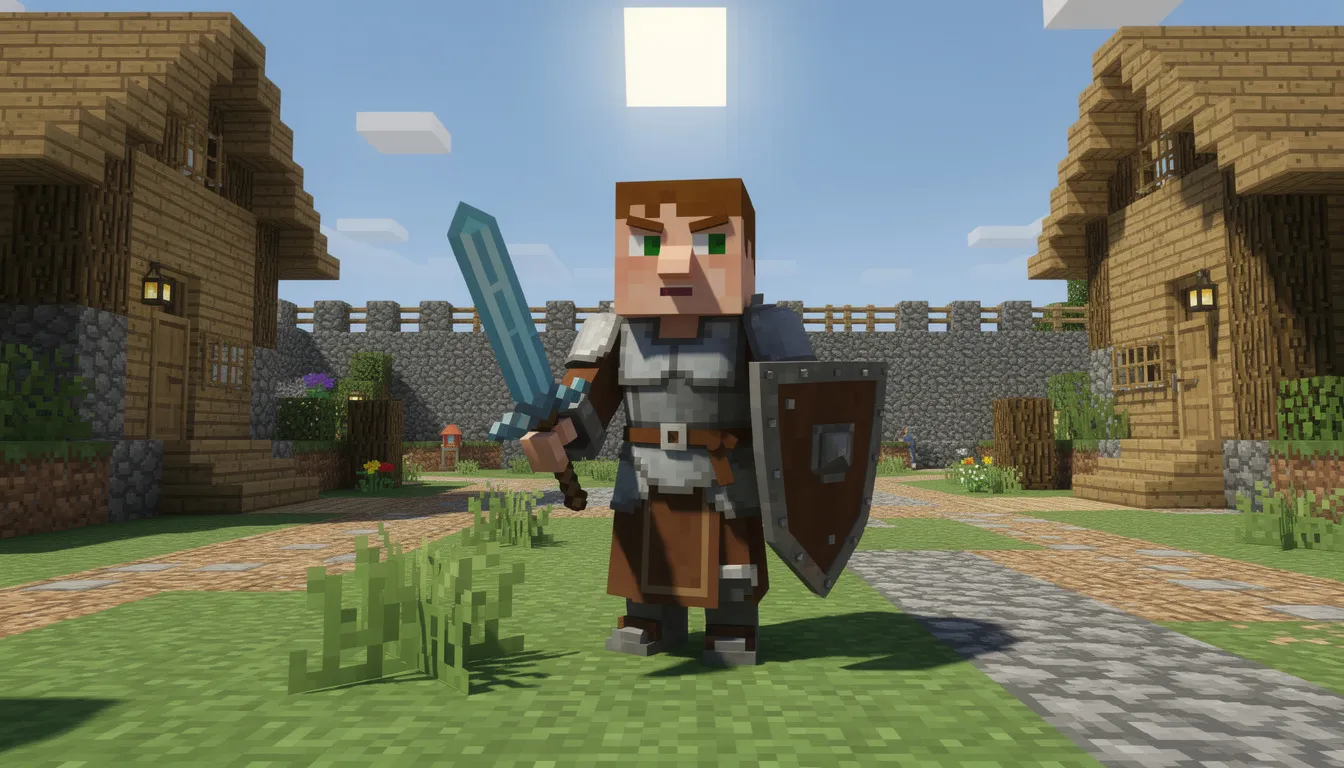
CreativeMode lets Bedrock players create:
Custom weapons, tools, armor, food, and blocks with precise stats and abilities
Custom mobs including retextures of vanilla entities with new behaviors
Structures and prefabs for world generation or command-based placement
Complete behavior and resource packs ready for import
No JSON, scripting, or command block knowledge required—everything happens through text prompts
Works directly from descriptions and optional reference images—upload concept art and CreativeMode generates matching textures
Integrated launcher and pack manager for both Bedrock and Java
Modpack-style collections that can be shared across worlds, with friends, or on multiplayer servers
Rapid iteration—refine prompts and regenerate until satisfied
CreativeMode operates on a subscription model for finalized exports, but you can experiment, draft prompts, and preview designs before committing. This lets you perfect your creations without wasting time on packs that don’t match your vision.
The “Create Items” flow in CreativeMode is where the magic happens. You design weapons, tools, armor, food, and blocks using a single detailed prompt, and the platform generates a complete Bedrock-compatible pack.
Weapons (swords, bows, staffs):
“Obsidian Katana that deals 12 damage, applies Speed II on hit for 3 seconds, and ignites enemies with a 5-second cooldown on the ability”
“Void Staff that shoots dark projectiles dealing 8 damage at 15-block range on right click, with purple particle trails”
Tools (pickaxes, shovels, axes):
“Titanium Pickaxe with vein miner capability that mines a 3x3 area, 2000 durability, and tree capitator function for logs”
“Excavator Shovel that clears a 5-block radius on shift-use with 1500 durability”
Armor (full sets or individual pieces):
“Frostplate armor set granting Fire Resistance II and Slow Falling while worn, with icy blue crystalline appearance”
“Shadow Cloak chestpiece providing Invisibility for 10 seconds on right click with 30-second cooldown”
Food (consumables with effects):
“Galaxy Apple restoring 8 hunger, granting Absorption II for 60 seconds, with swirling particle effects”
“Blazefruit that gives Fire Resistance I for 2 minutes and restores 4 hunger”
Blocks (placeable building elements):
“Luminous Glass emitting light level 15 with slight blue tint, doesn’t break when punched”
“An illuminating item that functions as a falsifier block lets players create ghost blocks for decoration”
The description is everything. To get high-quality results, be specific about three elements:
Appearance:
Colors, materials, and visual theme (runic, neon, cyberpunk, medieval)
Size and shape references (“longsword style,” “crystalline texture”)
Any particle or glow effects
For creative inspiration, you can browse popular Minecraft mods created without coding.
Stats:
Exact damage values, durability numbers, armor points
Hunger restoration and saturation for food
Effect levels (I, II, III) and durations in seconds
Behavior:
Right click actions and their triggers
On-hit effects (poison, fire, knockback)
Passive bonuses while held or worn
Cooldowns to prevent spam (3-10 seconds is typical)
Use vanilla values as anchors to keep your items balanced:
| Tier | Damage (Sword) | Durability (Tools) | Classification |
|---|---|---|---|
| Iron | 6 | ~250 | Baseline |
| Diamond | 7 | ~1560 | Mid-game |
| Modded Strong | 8-15 | 1000-2500 | Challenging |
| Modded OP | 16-25 | 2500+ | Endgame reward |
| For potion effects, common balanced combinations include: |
Speed I-II for 10-30 seconds
Strength I-II for 5-15 seconds
Regeneration I-II for 10-20 seconds
Fire Resistance I for 30-120 seconds
The Create Items page includes several advanced features:
Custom Texture: Upload a 16x16 PNG to fully control appearance instead of AI-generated textures
Reference Image: Upload concept art or photos; CreativeMode generates a matching texture from it
Sound Effect: Upload WAV or OGG files that play on swing, right click, or equip
These options let you create addons with complete parrot overhaul textures for mobs, custom weapon sounds, or textures matching your exact vision for new biomes and items.
CreativeMode handles mob creation through retexturing and behavior modifications applied to existing vanilla entities. This approach ensures compatibility while giving you creative freedom.
Example mob concepts:
Sniper Skeleton: A skeleton with extended attack range (20 blocks instead of 15), slower fire rate, and arrows that apply Slowness I
Rideable Storm Dragon: A retextured phantom with 200 HP, fire breath on right click, and saddle compatibility
Tech Assistant: A robotic mobs helper (based on iron golem) that follows the player, has 50 HP, and attacks hostile mobs automatically
The Knocker: A knocker addon creature for horror maps that only appears when the player is alone underground, with teleportation and fear-inducing sounds
When writing mob prompts, include:
Health and damage values (zombie has 20 HP, deals 3 damage for reference)
AI behavior (aggressive, passive, neutral, follows player)
Drops (what loot should appear, including more important items or gold and diamond variants)
Special abilities (ranged attacks, teleportation, environmental effects, summoning minions)
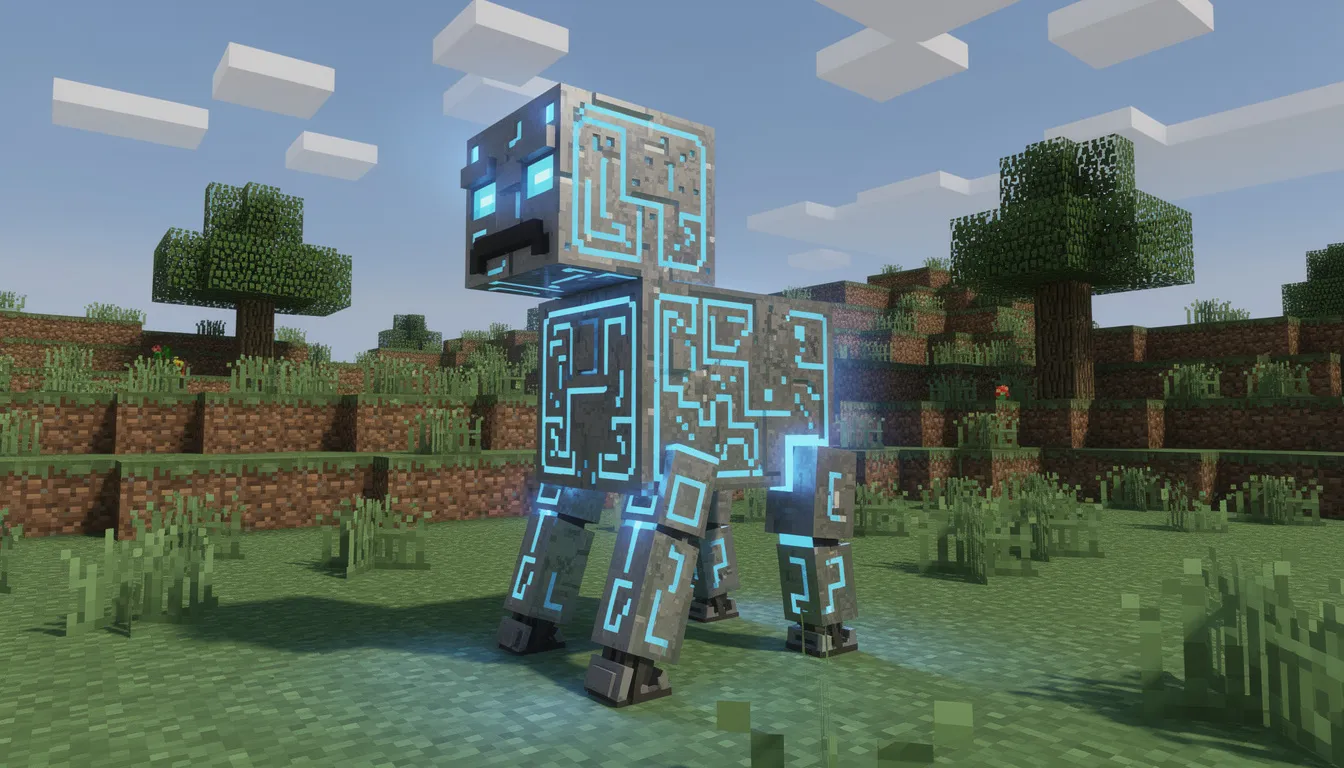
CreativeMode can output prefabricated structures as part of behavior packs. These range from simple buildings to complex multi-room dungeons.
Structure examples:
Futuristic Tech Lab: A futuristic tech biome outpost with fully modular network system connections, energy powered machines, and lapis lazuli storage
Glowing Redstone Caves: Underground chambers where you explore glowing redstone caves filled with custom ore deposits and ambient lighting
Abandoned Fortress: Medieval ruins with treasure vaults, mob spawners, and warden variants in the deepest chambers
Starter Haven: A cozy wooden house with better trees surrounding it, basic helper chest with starting gear, and decorative furniture
Structures can be configured to:
Spawn naturally in specific biomes during world generation
Generate via /place or /structure commands
Appear as loot locations in survival games
The addon adds tons of atmosphere when you combine custom structures with matching mobs and themed loot tables.
All outputs are packaged as standard Bedrock behavior and resource packs, so they work across worlds, bedrock servers, and realms exactly like manually created addons.
By the end of this section, you’ll know exactly how to get a CreativeMode-generated addon into Minecraft on Windows and mobile, and how to share it via realms with friends.
Sign up or log in to CreativeMode.net
Create your addon via text prompt (item, mob, or structure)
Iterate and refine until the preview matches your vision
Export for Minecraft Bedrock, receiving a .mcaddon or .mcpack file
To install on Windows 10/11:
Double-click the .mcaddon file—Minecraft should open automatically and import the pack.
Create a new world or edit an existing one.
Navigate to the Add-ons tab in world settings.
Enable both the behavior pack and resource pack from your imported addon.
Load the world and verify your content appears.
Test your additions using:
Creative inventory (custom items appear in the search)
Commands like /give @s namespace:item_name or /summon namespace:mob_name
Crafting if you specified a recipe in your prompt
To install on mobile devices:
Download the .mcaddon file to your device.
Tap the file or use “Open with Minecraft” from your file manager.
Minecraft imports the pack automatically.
Activate on your world through the same Add-ons interface.
Play and enjoy your custom content.
To share with friends on realms:
Attach the addon to your local world following the steps above.
Upload that world to your Bedrock Realm.
Friends joining are prompted to download the required packs automatically.
Everyone shares the same custom content seamlessly.
This makes it easy to install and play with your creations across multiplayer sessions. The addon functions on any device that connects—friends on mobile can join a realm hosted by someone on console, and the packs sync automatically.
Powerful creation tools make it tempting to overdo stats. A 50-damage sword sounds cool until it one-shots every mob and ruins progression. Thoughtful balancing ensures your addons enhance gameplay rather than trivialize it.
For weapons:
Keep “strong but fair” damage in the 8-15 range
Add cooldowns (3-10 seconds) on powerful abilities
Tie the strongest gear (16-25 damage) to late-game rewards or boss drops
For armor:
Use vanilla diamond (20 armor points total for full set) as your ceiling for balanced gear
Limit passive effects to one or two per set
Make right click abilities cost something (durability drain, hunger, cooldown)
For tools:
Match durability to power level—an overpowered pickaxe should still eventually break
Vein miner or tree capitator abilities should have off hand or main hand requirements for balance
Keep main hand free requirements for certain abilities to prevent exploit stacking
Before sharing your addon, run through this verification process:
[ ] Test in a fresh survival world with no cheats enabled
[ ] Fight common mobs (zombies, skeletons, creepers) to check damage feels right
[ ] Challenge late-game threats (warden, wither, elder guardian) with your gear
[ ] Verify crafting recipes work and use realistic ingredient costs
[ ] Check that the addon is achievement compatible (no experimental features blocking achievements)
[ ] Test multiplayer with a friend to catch weird interactions or skins display issues
CreativeMode includes community features for sharing your work:
Project sharing: Upload addon “projects” for others to browse and download
Modpack collections: Bundle multiple items, mobs, and structures into themed packs
Inspiration browsing: Explore what others have created for ideas on your next project
For distribution outside CreativeMode:
Share .mcaddon files through trusted platforms or directly with friends
Avoid shady download sites—stick to CreativeMode, Planet Minecraft, or MCPEDL
Include clear descriptions of what your add on improves or adds to the game
Many features in community addons have achieved viral success by focusing on natural gameplay enhancement rather than breaking the game’s balance entirely.
CreativeMode exports standard Bedrock behavior and resource packs that function on Minecraft Bedrock for Windows, Android, iOS, and via worlds/realms on consoles like Xbox and PlayStation. Direct file import is easiest on Windows and mobile. Console players typically join a realm or world hosted by a device that already has the addon installed—the packs then sync to their console automatically through Minecraft’s built-in resource sharing.
No coding or JSON knowledge is required. Everything happens through natural-language prompts and simple interface options like dropdowns and file uploads. You describe what you want—“a glowing pickaxe that mines faster than diamond”—and CreativeMode handles all the technical generation. Advanced users can still think in terms of specific stats and effects, but you never need to touch raw behavior files or worry about manifest configurations.
Yes. You can create multiple items, mobs, and structures and group them into a single pack or modpack-style collection inside CreativeMode before exporting. Like any Bedrock setup, conflicts can occur if different addons try to modify the same entity or mechanic (for example, two packs both retexturing zombies). Testing combinations before finalizing is always recommended to ensure everything works together smoothly in your world.
CreativeMode operates on a subscription/paywall model for finalized mod generation. However, you can typically experiment, draft prompts, and preview concepts before exporting final packs. This lets you perfect your designs without paying for iterations that don’t meet your vision. Check CreativeMode.net for current pricing and feature tiers, as details may evolve over time.
The best results come from prompts that include appearance, stats, and behavior in concrete terms. Instead of “cool fire sword,” write “crimson longsword with molten drip particles, 11 damage, applies 4 seconds of fire on hit, right click shoots a fireball dealing 6 damage with 8 second cooldown, 1400 durability.” Start specific, test the result, then iterate with refined prompts. You might follow up with “make the sword slightly weaker and reduce cooldown to 5 seconds” to dial in the perfect balance. Including critically endangered parrots as a texture reference or specifying you want a parrots o plenty style mob ensures you get exactly what you envision.
Creating Bedrock addons has never been more accessible than in 2026. What once required hours of JSON debugging and deep technical knowledge now takes minutes through natural language. Whether you want to create ghost blocks for hidden bases, build a realistic survival overhaul, or add melee weapons that feel alive with custom animations, CreativeMode transforms your ideas into playable content faster than any traditional method.
The hytale leaving Minecraft players looking for fresh content can find endless possibilities here—from basic decorative blocks to complex systems with tons of new mechanics. Your next addon is just a prompt away.
Ready to start creating? Visit CreativeMode.net to build your first Bedrock addon today, or join the Discord community to get help from developers and see what other creators are building.
CreativeMode allows players to create Minecraft mods without coding. You can create custom items, blocks, mobs, structures, and more. Join the 200,000+ players who are already using CreativeMode.

CreativeMode Objects v2 is now available, introducing a major upgrade to how 3D objects are created in Minecraft. This release delivers improved texturing, greater detail, and a more consistent Minecraft-style look, enabling creators to build more polished and expressive assets.
Mar 27, 2026

Exploring Minecraft 26.1 (Tiny Takeover): What You Need to Know
Mar 24, 2026

Minecraft Bedrock 26.10 is here with the Tiny Takeover update, including refreshed baby mob visuals, new animal sounds, Golden Dandelion, and craftable Name Tags. CreativeMode already supports Bedrock 26.10, so creators can keep building no-code Bedrock addons without interruption.
Mar 24, 2026

