
Creative
Mode
Create
Items or Blocks
Items or Blocks

If you’ve ever watched your child spend hours in Minecraft, you’ve probably heard them mention mods, modpacks, or add ons at some point. Maybe they’ve asked to download something called “OptiFine” or begged to try a modpack their favorite YouTuber plays. Understanding what minecraft mods are—and how to approach them safely—can feel overwhelming for parents and new players alike.
This guide breaks down everything you need to know about the world of Minecraft modding. From what mods actually do to how to install them safely, we’ll cover the practical details that help families make informed decisions. Whether your child is 8 or 18, whether they play on PC or console, there’s a path into modded minecraft that fits your situation.
A “Minecraft games mod” refers to fan-made modifications that change how Minecraft works, looks, and feels. These modifications range from tiny quality-of-life tweaks—like showing how hungry you are before you starve—to massive overhauls that add entire dimensions, tech trees, and RPG-style progression systems that transform the base game into something almost unrecognizable. Mods provide additional content, such as new features, items, and gameplay elements, which enhance replayability and player engagement.
The way mods work depends on which version of the video game your family plays. Java Edition (the original PC version) uses mods that actually modify or extend the minecraft game files through code. Bedrock Edition (Windows 10/11, Xbox, PlayStation, Switch, and mobile) uses add ons built on behavior packs and resource packs—a more structured, officially supported system.
For parents: mods are extremely common in the Minecraft community and have been part of the game’s culture since 2010. When downloaded from trusted sources, they’re mostly safe and can even be educational. Many kids learn problem solving, basic programming concepts, and game design through modding.
To make this concrete, consider a few famous historic mods. The Aether added an entirely new sky dimension with floating islands and unique mobs. Mo’ Creatures introduced dozens of new animals to the minecraft world. OptiFine dramatically improved game performance and visual quality. These mods have been downloaded millions of times and shaped how players experience the game.
Quick summary:
Mods are player-made modifications that change Minecraft
They range from small tweaks to complete game overhauls
Java Edition uses code-based mods; Bedrock uses add ons and packs
Downloading from trusted sources keeps the experience safe
Famous examples include The Aether, Mo’ Creatures, and OptiFine
Mods change mechanics, visuals, or content to create what feels like a different version of Minecraft. Some add new content while keeping the vanilla survival experience intact; others transform the game so completely that returning to unmodded play feels strange.
Here are concrete examples of what different mod types accomplish:
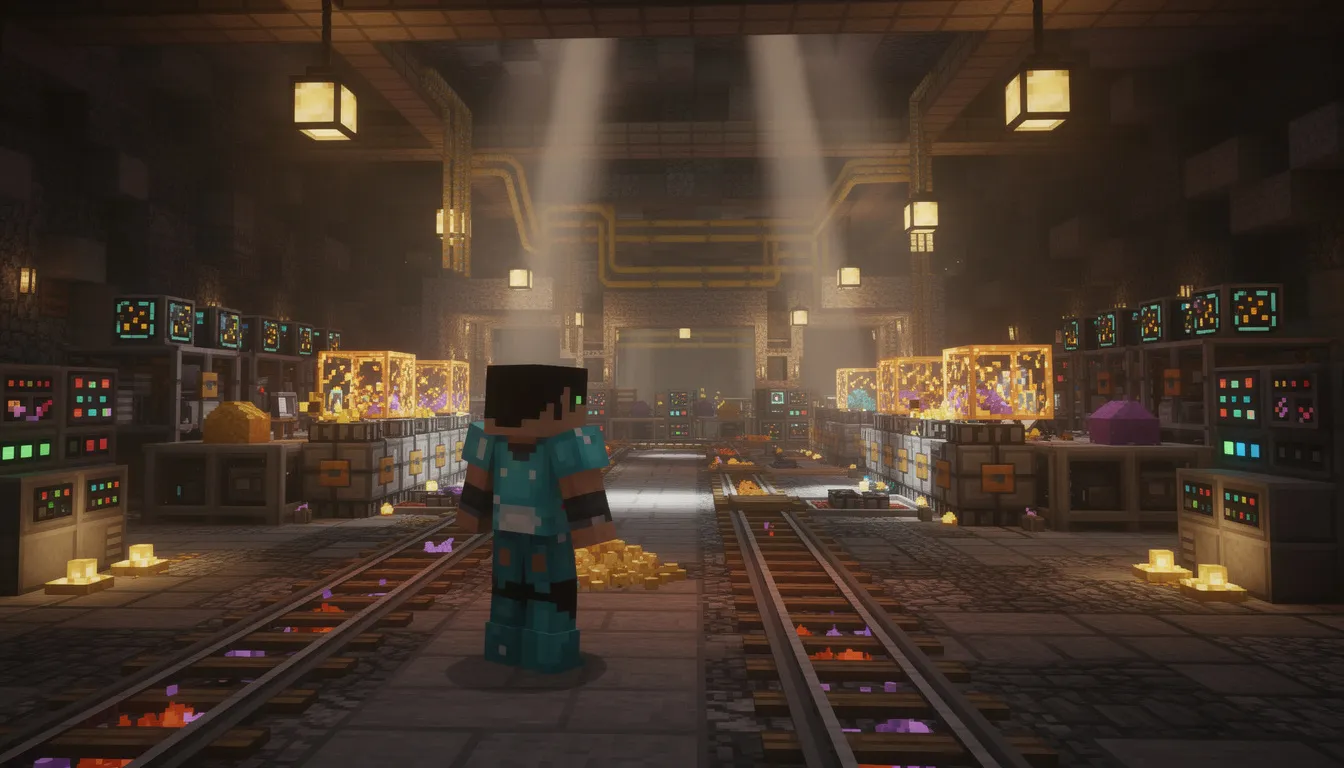
Tech mods add machines, power systems, and automation. Imagine setting up conveyor belts that automatically mine ore, process it into ingots, and store everything in a massive warehouse—all while you’re off exploring. These mods appeal to players who love engineering and logistics.
Magic mods introduce spells, wands, mana systems, and custom bosses. Instead of just swinging a sword, you might cast fireballs, summon creatures, or perform rituals that grant special abilities. The armor and weapons in these mods often have unique enchantments and effects.
Worldgen mods overhaul how the world generates. YUNG’s Better Caves, for example, creates sprawling underground lakes and lava oceans that make caving feel genuinely dangerous and exciting. Other mods add new biomes, new landscapes, and massive structures to explore.
Gameplay mods make survival mode harder or more realistic. Some add thirst meters, temperature systems, or diseases. Others adjust enemy difficulty so that a single zombie becomes a genuine threat.
Quality-of-life mods don’t change core rules but improve the minecraft experience. AppleSkin shows exactly how much hunger food will restore. Mouse Tweaks makes inventory management faster. Fresh Animations gives mobs smoother, more lifelike movements.
Performance and visual mods like OptiFine and various shaders can make Minecraft look like a modern game with dynamic shadows, reflections, and realistic water. On the flip side, some performance mods help the game run better on weaker computers.
Finally, some “mods” are actually mod packs—curated collections like RLCraft or All the Mods 10 that bundle dozens of modifications together with custom progression and quests. These change nearly everything about gameplay and feel like entirely new games built inside Minecraft.
Minecraft modding has been part of the game’s DNA since the early beta days. Mojang, the original developers, actively supported the modding community from the beginning. When Microsoft acquired Mojang in 2014, many worried that modding would be restricted—but the opposite happened. Microsoft introduced official creator tools and the minecraft marketplace to give modders and developers new opportunities.
Why mods remain so popular:
Endless replay value. New quests, maps, and challenges release constantly. In 2025, seasonal content like spooky Halloween packs and Christmas-themed modpacks keep the game fresh year-round.
Social factor. YouTubers and streamers showcase modded series that inspire millions of players. Watching creators play through RLCraft or explore adventure maps drives interest in trying those same experiences.
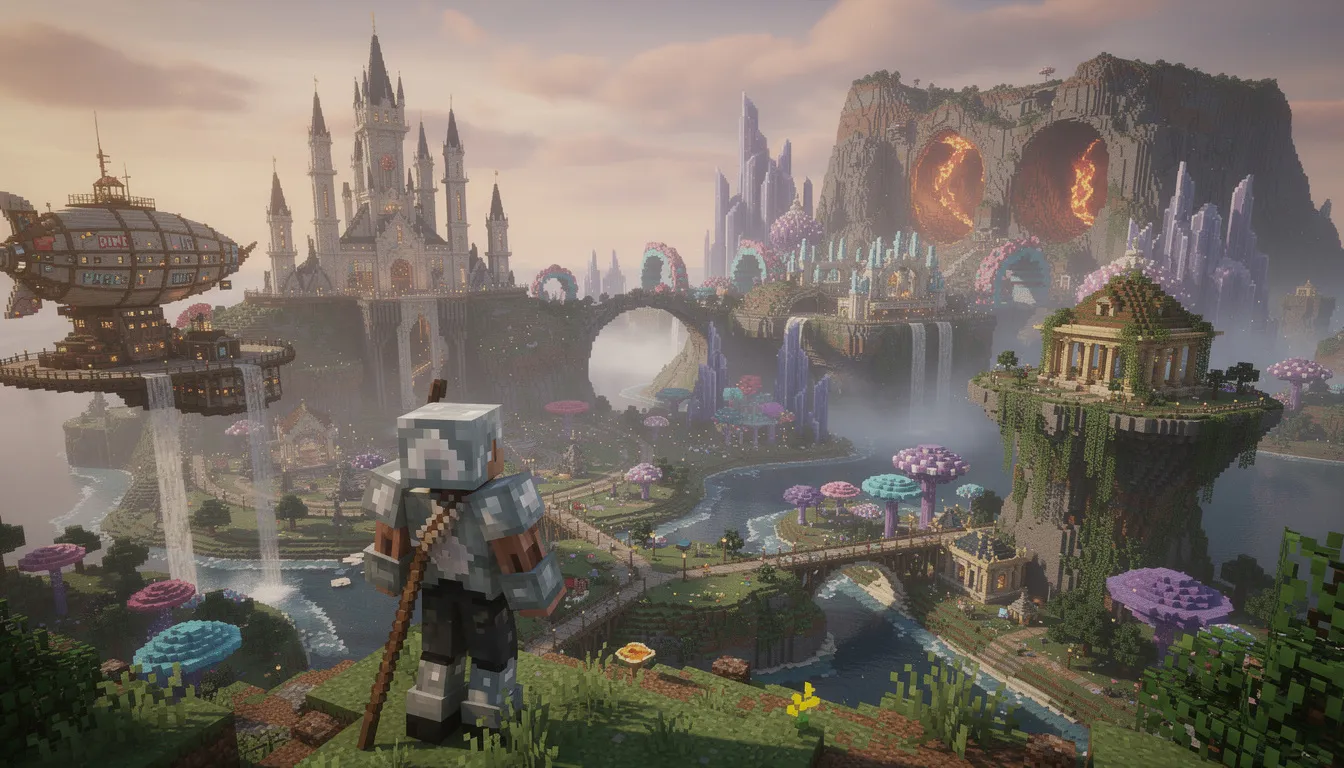
Creative freedom. Players can turn Minecraft into an RPG, a factory simulator, a sky-island challenge, or a dinosaur park. The sandbox becomes infinite sandboxes.
Why mods are allowed and encouraged:
Mojang’s EULA and modding guidelines explicitly permit non-commercial Java mods
Microsoft introduced the Minecraft Marketplace in 2017 for vetted, monetizable Bedrock content
Official documentation and creator wizards help modders build add ons properly
The open attitude toward user-generated content has kept Minecraft relevant from 2011 through 2025
This support structure means parents don’t need to worry that their kids are doing something forbidden. Modding is a celebrated, legitimate part of the Minecraft ecosystem.
Understanding the different categories of mods helps parents and new players navigate what’s available. Not all modifications work the same way, and knowing the differences prevents confusion during installation. Server mods are commonly designed to simplify server administration, such as implementing hierarchical privileges and wrappers.
Client mods install on the player’s computer and affect only what that player sees and experiences. To use them on java edition, you typically need a mod loader like Forge, Fabric, Quilt, or NeoForge. Common client mods include:
Shaders and visual enhancements
Minimaps and HUD overlays
Inventory management tools
Performance optimizations
These mods often work even on vanilla servers because they don’t change game rules—just how the player’s client displays information.
Server side modifications run on a minecraft server and affect everyone who connects. Servers using official minecraft server software or custom server versions like Spigot and Paper can run plugins that add:
Minigames and custom game modes
Economy systems and shops
Anti-cheat protection
RPG progression and quests
Server based mods create the unique experiences you find on popular multiplayer servers. The server version must match what players are running, though plugins often work with vanilla clients.
A modpack bundles many mods together into a cohesive experience. Examples include:
RLCraft – brutally hard survival with dragons and skills
All the Mods 10 – kitchen-sink pack with tech, magic, and exploration
Better MC – enhanced vanilla with quality-of-life improvements
FTB Stoneblock 4 – underground-only challenge
To the Sky – skyblock-style progression
These often come with custom launchers that handle installation automatically, plus in game quests and progression systems.
Some content that feels like a mod is actually a map with data packs or behavior packs attached:
OneBlock worlds where everything spawns from a single block
Adventure maps with custom NPCs and storylines
Parkour challenges with rewards and checkpoints
City maps like Los Perrito City with pre-built structures to explore
The distinction matters for families deciding which platform to use:
| Feature | Java Edition | Bedrock Edition |
|---|---|---|
| Mod format | jar file modifications | Behavior/resource packs |
| Depth of changes | Deep mechanical changes possible | Limited to official extension points |
| Installation | Mod loaders, manual folder management | Double-click .mcpack files |
| Marketplace | Community sites | Official Minecraft Marketplace |
| Best for | Older kids, complex packs | Younger players, cross-platform |
Thousands of mods exist, but certain ones stand out as particularly relevant heading into 2025. Here’s a curated selection organized by what they offer:
5.4 Visual & Audio Mods
Visual and audio mods enhance the look and sound of Minecraft, making the game more immersive. Popular choices include OptiFine for better graphics, SEUS shaders for realistic lighting, and Faithful or BDCraft for high-resolution textures. Some texture packs, like BDCraft, require a specific patch to work with certain Minecraft mods, and these patches are tailored for different versions and content packs.
RLCraft – Considered one of the hardest modpacks, it adds dragons, skills, temperature, and thirst. Death comes quickly and often.
Garden’s Soulslike RPG – Boss-focused combat with skill-based mechanics inspired by games like Dark Souls.
Resurvival – Makes survival mode more challenging with realistic mechanics that punish carelessness.
YUNG’s Better Caves – Transforms underground exploration with massive caverns, underground lakes, and lava oceans.
Remnants – Structure Expansion – Adds huge vanilla-style ruins throughout the world with special loot to discover.
Nine-Nether Regions – Expands the Nether into an underworld-inspired dimension with new biomes and dangers.
Convenient Storage – Advanced storage systems and fluid handling for players who love organization.
ExtraLib, Architectury API, GeckoLib – Library mods that other mods depend on. You’ll often need these installed even if you don’t interact with them directly.
Fresh Animations & Fresh Moves – Dramatically improves how mobs and players move, making everything feel more alive.
Music and Melody – Reimagines the vanilla soundtrack with new compositions.
Xray Ultimate – Controversial mod that lets players see ores through blocks. Widely known but often banned on multiplayer servers.
Secret Mission: Christmas – Holiday-themed adventure content.
Christmas Sink – Festive decorations and items.
SpookyJam 2025 – Halloween-themed experiences from the annual community event.
When browsing mods, always check version compatibility. A mod built for Minecraft 1.20.1 might not work on 1.21.x. Most popular mods clearly list which game version they support.
Safety comes first, especially when kids are involved. The biggest risks aren’t from mods themselves but from sketchy download sites that bundle malware with legitimate files. Fake download buttons, pop-up ads, and bundled installers are common traps.
Stick to well-established platforms:
Long-running mod repositories with community reviews and verification systems
The official Minecraft Marketplace for Bedrock content (vetted by Microsoft)
Well-known community launchers that download mods directly from verified sources
Direct downloads from mod authors’ official pages
Avoid random Google results, especially sites promising “free” versions of paid content or requiring you to complete surveys.
Here’s a high-level walkthrough for how to mod minecraft on Java:
Choose your game version. Check which version the mod supports (e.g., 1.20.1, 1.21.4). You’ll need to match this exactly.
Install a mod loader. Download and run Forge, Fabric, or NeoForge for your chosen version. This creates a new profile in your launcher.
Locate your mods folder. On windows, it’s typically in %appdata%\.minecraft\mods. Create this folder if it doesn’t exist.
Download mod jar files. Get the .jar files from trusted sources and place them in the mods folder.
Launch using the loader profile. Open Minecraft, select the Forge or Fabric profile from the main menu, and play.
Bedrock makes things simpler:
Download .mcpack or .mcworld files from trusted sources or the Minecraft Marketplace.
Double-click the file or open it with Minecraft. The game automatically imports it.
Apply packs in world settings. When creating or editing a world, add your resource packs and behavior packs from the available list.
Never run random .exe installers claiming to be mod installers
Scan downloaded files with antivirus software before opening
Have an adult manage installations and browser navigation for younger children
Keep a separate vanilla install or profile as a fallback
Watch for “too good to be true” offers—safe mods don’t require surveys or payment to sketchy sites
Consider watching a short, reputable YouTube tutorial together as a family when installing your first mod. Pause at each step and verify you’re following along correctly.
Many professional game developers got their start making mods. Some modders have even been hired by Mojang to work on official Minecraft content. What starts as a fun hobby can become genuine skill-building.
Making mods for Java Edition teaches real programming fundamentals:
Java programming – Classes, methods, variables, and events are the building blocks of professional software
Problem solving and debugging – When code doesn’t work, you learn to trace errors and fix them
Working with APIs – Forge and Fabric expose hooks that teach how professional APIs function
Version control and collaboration – Team modding projects introduce Git and shared development
These skills transfer directly to computer science education and careers in software development.
Even without writing code, Bedrock modding builds valuable abilities:
JSON-based configuration – Understanding data structures and how computers parse information
Game design thinking – Balancing enemy difficulty, loot drops, and progression
Artistic skills – Creating texture packs, models, sounds, and animations
Formal and informal options exist for kids who want to learn:
Online courses specifically teach Java through minecraft modding
Official documentation and creator portals provide free tutorials for Bedrock development
Community wikis offer step-by-step guides for everything from new blocks to custom dimensions
Not every child wants to learn programming syntax—and that’s okay. Tools like CreativeMode let kids and beginners make Minecraft mods and addons without coding. These visual editors and block-based workflows lower the barrier dramatically.
With CreativeMode, children focus on ideas, art, and game design rather than debugging Java errors. They can design custom mobs, items, and mechanics through intuitive interfaces, then export their creations as proper add ons or packs.
First custom mob – A friendly pet with simple abilities, or a small boss that drops unique loot
Parkour map – A short obstacle course with NPCs and rewards at the end
Holiday world – A Christmas town or Halloween dungeon using seasonal themes
These projects let kids gain experience with game design while creating something they’re proud to share with friends.
Bedrock Edition doesn’t support traditional Java mods, but it has its own robust creation system built on official tools and add ons.
Microsoft provides several wizards and utilities for Bedrock creators:
Item Wizard – Quickly define custom items with stats, icons, and behaviors
Block Wizard – Create new blocks with custom textures and properties
Entity Wizard – Design custom mobs with geometry, textures, and basic AI
Resource Packs – Control how things look (textures, models, sounds)
Behavior Packs – Control how things work (mob AI, loot tables, spawn rules)
The creator documentation walks through:
Adding new blocks like custom ores or decorative furniture
Modifying mob behavior to create passive zombies or faster animals
Making NPCs with dialogue and interactions
Building skin packs for distribution
Bedrock’s add-on system is inherently safer for kids:
No need to modify game jar files or navigate complex folder structures
Changes are packaged neatly and easy to enable or disable per world
Content meeting guidelines can be sold on the Minecraft Marketplace
The structured format prevents many common errors
Tools like CreativeMode can sit on top of these official systems, letting kids design addons visually and then export them as proper packs that Minecraft recognizes. This bridges the gap between “I have an idea” and “I made something that works.”
Kids can spend hours watching modded Minecraft content—and that’s not necessarily passive time. Understanding why this content appeals helps parents guide it productively.
Modded Minecraft videos combine storytelling, challenges, and discovery. Viewers watch creators struggle through RLCraft’s brutal difficulty, marvel at massive builds in creative showcases, or learn new mechanics from mod spotlights. There’s always something new to see because modders constantly release new content.
Survival series – Long-running playthroughs in packs like All the Mods 10 or Better MC
Challenge runs – Completing hardcore modded worlds without dying
Mod spotlights – Reviews of individual mods showing features and installation
Building tutorials – Recreating complex structures or redstone contraptions
Adventure maps – Playing through story-driven custom worlds
From early pioneers like DanTDM and CaptainSparklez to modern creators focusing on specific modpacks, these videos often inspire kids to try similar builds or mods themselves.
Co-watch a few episodes to understand tone, language, and content
Help translate viewing into action: “Can you build something like that?” or “Want to try that mod?”
Note that many creators share their exact modpack lists or world downloads, so kids can play in the same worlds they see on-screen
Frame YouTube time as research and inspiration, not just passive entertainment
When kids watch modded content and then try to recreate what they saw, they’re engaging in fun active learning.
Modded Minecraft is more fragile than vanilla, and crashes happen to everyone—even experienced modders. Understanding common issues helps families solve problems without frustration.
This causes more crashes than anything else. Mods built for Minecraft 1.20.4 often won’t work on 1.21 or later. Every component must match:
The Minecraft version
The mod loader version (Forge, Fabric, etc.)
Library mods like ExtraLib, Architectury API, or GeckoLib
The mods themselves
If a mod page says “for 1.20.1 Forge,” you need exactly that setup.
| Issue | Symptom | Solution |
|---|---|---|
| Missing library | Crash on launch with error mentioning missing mod | Install the required dependency |
| Conflicting mods | Crash or weird behavior | Remove recently added mods one by one |
| Out of memory | Freeze or crash, especially with large packs | Allocate more RAM in launcher settings |
| Corrupted download | Immediate crash | Re-download the mod from original source |
Check crash reports. Launchers generate logs with error messages. Look for the first error line—it usually names the problem mod.
Remove recent additions. If the game worked yesterday, what changed? Remove new mods one at a time.
Allocate more RAM. Large mod packs like ATM10 or RLCraft need 6-8GB of RAM. Adjust this in your launcher settings. (Warning: don’t allocate more than half your system’s total RAM.)
Search the error. Copy the exact error message plus the mod name into a search engine. Someone has almost certainly solved it on community forums.
Verify game files. Official launchers can verify and repair corrupted game installations.
Crash reports sometimes indicate whether the jar file was modified, showing messages like “probably not” or “definitely” modded. This helps confirm the issue is mod-related rather than a base game problem.
Keep a separate vanilla install or profile so kids can always fall back to a stable, unmodded version if troubleshooting becomes frustrating.
Mods and addons dramatically extend Minecraft’s lifespan and creative possibilities
Java Edition mod packs suit older kids comfortable with PC setup and folder management
Bedrock add-ons and official tools (plus no-code creators like CreativeMode) work better for younger players
Both paths can lead to genuine skill development in coding, design, and creative problem solving
Start small before diving into massive modpacks. A simple quality-of-life mod or a kid-friendly adventure map helps everyone understand the process without overwhelming complexity. Set clear guidelines around:
Screen time limits
Which download sites are approved
Adult supervision during installations
Watching modded content together sometimes
This week, pick one concrete project as a family:
Install a single safe modpack using a trusted launcher
Build a small parkour or quest map together
Design a first custom mob using a visual tool like CreativeMode
Watch a modded series together and then try to recreate something from it
Minecraft modding, when guided thoughtfully, becomes more than entertainment. It’s a bridge to coding, art, and game design skills that remain valuable far beyond 2025. The same creativity that drives kids to imagine new mobs and dimensions can eventually drive careers in software development, digital art, and interactive media.
The world of minecraft games mod content is vast, but it doesn’t have to be intimidating. Start with one small step, stay curious, and create something cool together.
CreativeMode allows players to create Minecraft mods without coding. You can create custom items, blocks, mobs, structures, and more. Join the 200,000+ players who are already using CreativeMode.

All CreativeMode Pro players can now create their own multiplayer servers for Java or Bedrock - included at no extra cost!
Feb 19, 2026

A summary of real CreativeMode reviews from players: what they like, common themes across feedback, and how the platform handles safety and trust.
Feb 19, 2026

Explore top MC addons that enhance your Minecraft gameplay. Boost your experience and find the perfect mods to elevate your adventures. Read more!
Feb 9, 2026